
China Variable Data Inkjet Printer What to Look for When Choosing a System
2026-09-18
If you're comparing variable data inkjet printers in China, you've likely hit the same wall: every spec sheet promises identical speeds, resolutions, and 'industrial-grade' reliability. The real differences surface weeks after installation—when a barcode smears on glossy film or your variable database hiccups mid-run. That's why this guide skips the brochure talk. Danmajet field engineers distilled the five factors that decide whether a system keeps printing quietly for years or becomes expensive shelfware. Here's exactly what to look for before you commit.
Why Printhead Native Resolution Matters More Than Advertised DPI
A printhead’s native resolution is set by the physical spacing of its nozzles and the smallest step its firing mechanism can repeat. When a spec sheet lists 5760 x 1440 DPI, that number is often the result of multiple passes, micro-stepping, or software interpolation layered on top of a much lower hardware grid. If the native nozzle pitch is only 300 or 360 DPI, the printer cannot place a dot more finely than that physical spacing allows. The extra advertised DPI may improve smoothness in some halftones, but it does not add real addressable detail.
Two printheads can carry the same marketing DPI and yet behave very differently under a loupe. A 600-DPI native printhead produces cleaner edges on small text and tighter color transitions than a 1200-DPI-interpolated model built on a 300-DPI physical array. The latter often relies on overlapping dots to simulate higher resolution, which can muddy fine lines or introduce visible patterning. Checking the actual nozzle count per inch and the halftone cell size tells you far more about real output quality than the top DPI figure on a box.
Matching Ink Chemistry to Your Exact Substrate Stack
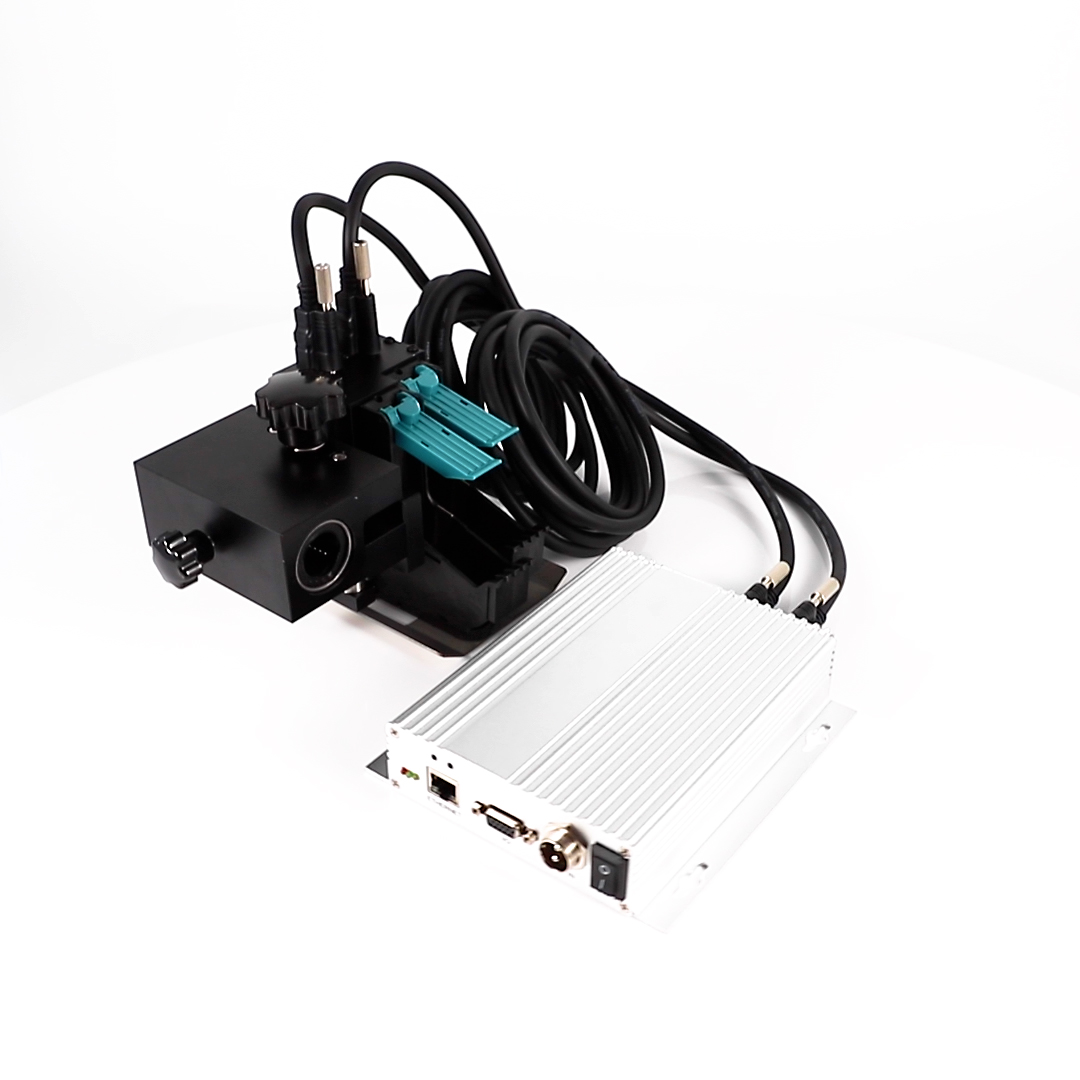
Every substrate stack brings its own set of surface energies, porosities, and chemical resistances, and the ink needs to be dialed into those specifics or the print will fight you at every step. A coated paperboard over a corrugated liner behaves very differently from a clear film laminated to a foil, even if both end up under the same press. Adjusting resin hardness, solvent aggressiveness, and additive package becomes less about following a general ink series and more about mapping what each layer of the stack actually does when wet ink hits it, sits on it, and then dries or cures.
In practice, this means running small drawdowns on the exact stack you are about to print, not just on the top surface. Check for interlayer adhesion if the ink sits between two dissimilar films, and watch edge wicking on uncoated stocks where the fiber orientation changes the absorbency path. A formulation that flexes without cracking on a soft PE layer might lack the scuff resistance needed on a rigid PET face. Matching the ink to the stack is not a one-time fix; it is a set of adjustments that shifts every time the customer swaps out one layer in the laminate or changes the thickness of a coating.
The fastest way to lock in the right chemistry is to bring the actual production substrate stack to the ink lab and test it under the same drying conditions you will use on the floor. If the stack includes a primer or topcoat, include that in the drawdown because it changes how the ink anchors or releases. Only by treating the entire stack as one continuous surface system, instead of just the printable face, can you avoid the common failures like tunneling, ghosting, or poor die-cutting that trace back to an ink that was never really matched to the whole construction.
The Hidden Cost of Idle Nozzles and Recovery Routines
A printer sitting idle for a weekend might look cost-free, but the nozzles tell a different story. Residual fluid dries into stubborn deposits that choke the fine orifices. Monday morning's first job then becomes a rescue mission: purge cycles, solvent flushes, test prints. Each recovery routine consumes expensive consumables and steals productive time, yet the real cost hides in what those interruptions do to your schedule and your team's patience.
Recovery routines rarely restore nozzles to factory condition. Repeated purge-and-wipe cycles gradually wear seals and degrade internal surfaces, shortening the service life of the printhead. Worse, the habit of treating recovery as normal operation masks the true expense: idle time isn't free time, it's deferred maintenance with compound interest. Tracking fluid waste and downtime per idle hour often reveals numbers that surprise even seasoned operators.
How to Test RIP Software with Real Variable Data Files
Testing RIP software with real variable data files starts by gathering a representative sample of your actual production jobs. Instead of relying on synthetic test patterns, pull a few complex PDFs or PPML files that include variable text, images, and barcodes. Run these through the RIP while watching how it handles font substitution, color management, and layer flattening. Many RIPs choke on deeply nested transparency or unusual color spaces, so include files that have caused trouble in the past. The goal is to see how the software manages real-world complexity, not just idealized content.
A useful trick is to strip down a large variable data job to a manageable subset, maybe fifty or a hundred records, and then compare output consistency across multiple runs. Check that variable elements land in the correct positions, that imposed sheets maintain proper margins, and that barcodes remain scannable after rasterization. Pay attention to memory usage and processing time as record count grows, since RAM leaks or inefficient caching often surface only with real data volumes. Log any discrepancies between the original file and the RIP's interpretation.
Finally, involve your prepress team in the evaluation. Have them inspect proofs on the actual target stock, because RIP settings that look fine on screen can shift when ink hits paper. Test with both spot colors and CMYK builds, and if you handle personalized URLs or QR codes, verify those elements survive the rasterization without edge artifacts. Real variable data files expose weaknesses that canned demos hide, so give the software a workout with the messy, imperfect files your shop actually produces.
Production Speed Claims vs. Throughput at Full Resolution
Manufacturers like to quote production speed in ideal conditions—often draft mode, simple text pages, or zero warm-up time. But put the machine on full resolution with a graphics-heavy file and the story changes fast. The advertised pages-per-minute figure can drop by half or more once the device has to process larger raster images, apply finer ink or toner placement, and handle multiple color planes. That gap isn't a defect; it's simply what happens when the hardware has to work at the quality level buyers actually need.
Full-resolution throughput depends on several quiet bottlenecks. A fast processor helps, but so does the amount of onboard memory, the efficiency of the print driver, and whether the file contains high-density vector data or compressed images. Some devices slow down because the fuser needs extra time to bond toner at higher coverage, while inkjet systems may add more passes to avoid banding. Even network traffic and spooling delays can cut into the final rate, making the rated speed almost irrelevant for production environments that mix large jobs with tight deadlines.
The practical takeaway is to ignore the headline number and look for measured throughput at the resolution you'll actually use. Third-party reviews, demo files with representative complexity, or a vendor-run benchmark using your own document set will reveal more than any spec sheet. Ask specifically about sustained speed after the first few pages, because some machines burst quickly then stall for thermal management or memory clearing. If a supplier can't provide that data, chances are the full-resolution throughput won't match the sales pitch.
What a Chinese Vendor’s Warranty Actually Covers
If you’re buying from a Chinese supplier, the warranty usually means one thing: the factory will fix or replace items that arrive with clear manufacturing flaws. Think missing stitches on a plush toy, a cracked circuit board inside an LED fixture, or a zipper that snaps the first time you test it. What it won’t cover is everyday wear and tear, damage from your own warehouse handling, or a product that simply underperforms in your market. Many suppliers treat the warranty as a narrow promise tied to their own quality control checks, not a broad satisfaction guarantee.
Shipping damage sits in a strange middle ground. Most vendors will ask you to file a claim with the freight forwarder first, and only step in if that fails or if the packaging was clearly substandard from the start. Also pay attention to what “replacement” actually gets you. In a lot of cases, the vendor ships you the broken component rather than a whole new unit, and you’re expected to handle the local repair or pass the part to your customer. Return shipping costs to China almost always fall on the buyer unless you negotiated otherwise before the order left the port.
FAQ
Look past the headline resolution numbers. Many suppliers quote theoretical dpi but real output quality depends on drop placement accuracy, ink spread on your substrate, and how well the printhead handles varying speeds. Ask for printed samples on the exact material you plan to run, not just coated paper.
Find out the expected lifespan of the printhead in liters or hours and what happens when it fails. Some Chinese systems use industrial printheads that can be replaced quickly, while others require a technician on site. Get a clear quote for replacement parts, cleaning kits, and any consumables tied to routine head flushing.
This is often overlooked until installation day. The printer needs to handle dynamic fields from your database without constant manual edits. Test how it processes CSV, TXT, or API-driven data, and whether the RIP can keep up with real-time changes. A cheap system that stumbles on batch file changes will slow your entire line.
Not necessarily. UV gives instant cure and works on many plastics, but it can be more expensive and may show raised ink feel on some packaging. Water-based ink penetrates porous stocks better and is often cheaper, but drying time and adhesion on coated surfaces need testing. Match the ink chemistry to your substrate and finishing process.
Request a demo with your own files, including barcodes, QR codes, and small serial numbers. Watch the printer run for at least 30 minutes at the claimed speed. Thermal throttling or software delays often appear after the first few hundred pieces, so don't accept a short burst test as proof.
For many Chinese manufacturers, support quality varies more than machine quality. Ask where spare parts are stocked, typical response time for technical issues, and whether remote diagnosis is available. If possible, talk to a current user in your country about their experience with firmware updates and emergency repairs.
Depends on your changeover frequency and labor costs. Higher-end models often include automated nozzle checks, faster job setup, and better color consistency across runs. If you switch between many SKUs daily, that reduces operator intervention and pays back quickly. For long stable runs, a mid-range system may be enough.
Beyond the printer itself, include ink waste during cleaning cycles, power consumption of UV curing lamps, air filtration for solvent or UV fumes, and the cost of training your operators. Some systems also require a specific chiller or air compressor not mentioned in the initial quote.
Conclusion
When evaluating a Chinese variable data inkjet printer, the first thing to ignore is the headline DPI number. What actually determines print quality is the printhead's native resolution. Many vendors list interpolated or advertised DPI figures that look impressive but require resampling that softens edges and barcodes. Ask for a sample printed at the head's true native resolution—typically 600x600 or 1200x1200 depending on the printhead generation—and inspect fine lines and 2D codes under magnification. Equally important is matching the ink chemistry to your exact substrate stack, not just a generic "coated paper" or "film" label. A varnish, primer, or topcoat that works on one carton stock may cause adhesion failure or smearing on another. Request a trial with your actual materials, including any UV or aqueous overcoats.
Beyond ink and resolution, the hidden cost of idle nozzles often gets overlooked. A printer that sits unused for a day may require a recovery routine that wastes ink and time, or worse, leaves permanent nozzle dropouts. Ask the Chinese vendor for real-world idle and recovery data, not just a spec sheet. On the software side, don't test RIP with a static PDF—load it with genuine variable data files containing unique barcodes, addresses, and images. Watch how the RIP handles font substitution, serialization, and image color management under production load. Speed claims also need scrutiny: throughput at full resolution is often far lower than the maximum draft speed. Finally, read the warranty closely. Many Chinese manufacturers offer attractive terms but exclude printheads, ink system components, or on-site service after the first year. Clarify who pays for shipping and labor if a board fails in month 14.
Contact Us
Contact Person: Jacky
Email: [email protected]
Tel/WhatsApp: 086 15000607053
Website: https://www.danmajet.com